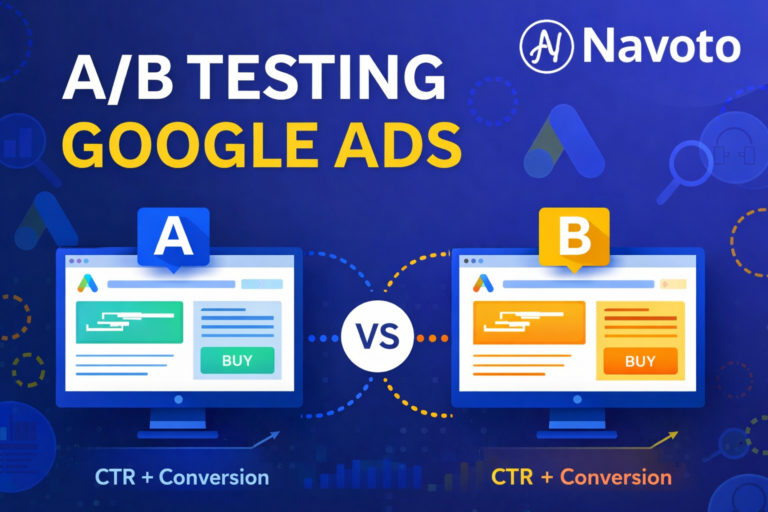
A/B testing Google Ads is one of the most effective ways to improve ad performance without increasing your advertising budget. Instead of guessing which ad, audience, or bid strategy will work best, A/B testing allows advertisers to make data-driven decisions based on real performance data.
In this guide, you’ll learn exactly what A/B testing in Google Ads is, why it matters, what to test, how to run experiments correctly, and how to evaluate results with confidence.
What Is A/B Testing in Google Ads?
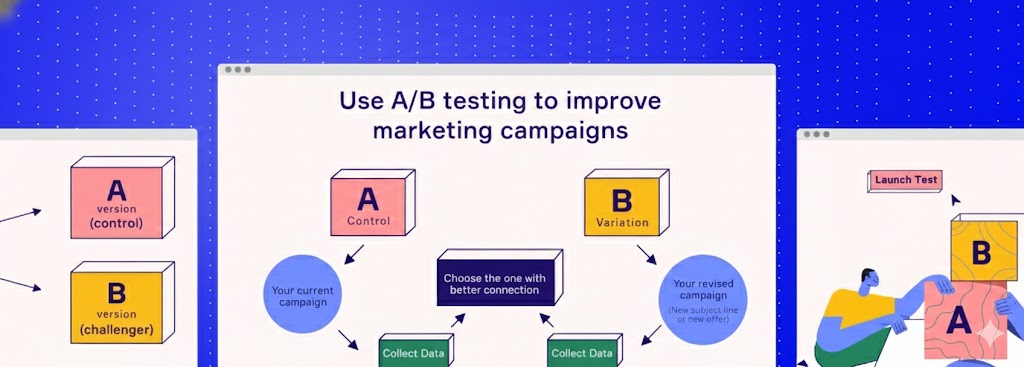
A/B testing in Google Ads is the process of comparing two versions of an ad, campaign, or campaign setting to determine which performs better. Both versions run at the same time, with only one variable changed, allowing advertisers to measure differences in clicks, conversions, or return on ad spend.
Why Is A/B Testing Important for Google Ads?
A/B testing is important for Google Ads because it helps advertisers:
- Improve click-through rate (CTR)
- Reduce cost per conversion (CPA)
- Increase conversion rate
- Improve Quality Score
- Maximize return on ad spend (ROAS)
- Make optimization decisions based on data, not assumptions
Without testing, advertisers often waste budget on underperforming ads that could easily be improved.
What Should You A/B Test in Google Ads?
1. Ad Copy
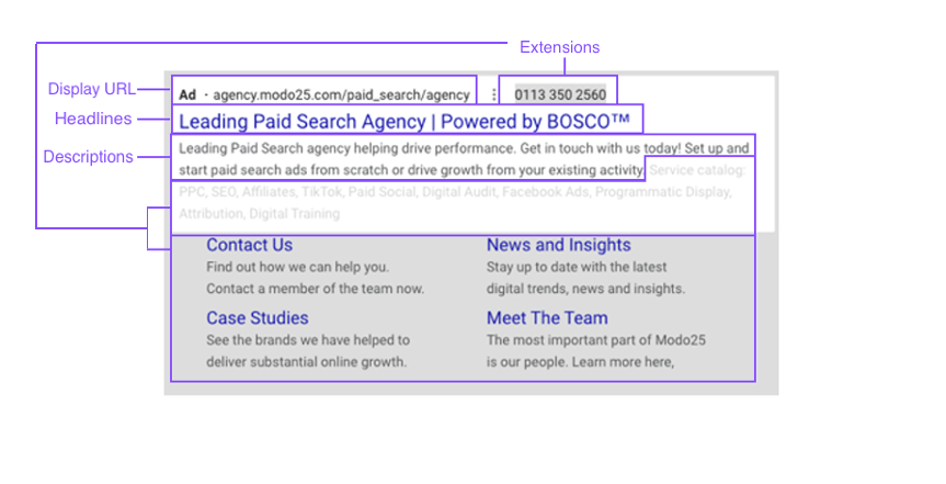
Ad copy testing is the most common and impactful form of A/B testing.
You can test:
- Headlines vs alternative headlines
- Emotional messaging vs logical benefits
- Different calls-to-action (CTA)
- Pricing mentions vs value-based messaging
Even small wording changes can lead to significant CTR improvements.
2. Ad Visuals
For Display, Performance Max, and Shopping campaigns, visuals strongly influence engagement.
Test variations such as:
- Product-only images vs lifestyle images
- Bright backgrounds vs neutral tones
- Images with people vs without people
- Text overlays vs clean creatives
3. Audience Targeting
Not all audiences respond the same way to the same ads.
A/B test:
- Broad vs narrow targeting
- In-market vs affinity audiences
- Remarketing vs new users
- Demographic filters (age, gender, location)
This helps you identify the most profitable audience segments.
4. Product Titles and Descriptions
For Shopping Ads, titles and descriptions affect relevance and visibility.
Test:
- Feature-focused vs benefit-focused titles
- Brand-first vs product-first naming
- Short vs detailed descriptions
Better relevance often leads to higher CTR and lower CPC.
5. Bidding Strategy
Bidding strategies directly impact cost efficiency and scale.
Test:
- Manual CPC vs automated bidding
- Maximize Conversions vs Target CPA
- Target ROAS variations
- Bid caps vs no bid caps
This helps find the best balance between volume and profitability.
Key Elements to Test in Google Ads (One Variable at a Time)
Does Google Ads Have a Native A/B Testing Feature?
Yes, Google Ads includes a native A/B testing tool called Experiments.
Google Ads Experiments allow advertisers to:
- Create tests directly from existing campaigns
- Split traffic evenly between control and variation
- Run tests without duplicating campaigns
- View results inside the Google Ads interface
This is the safest and cleanest way to run split tests.
How to test A/B Test Google Ads Step-by-Step
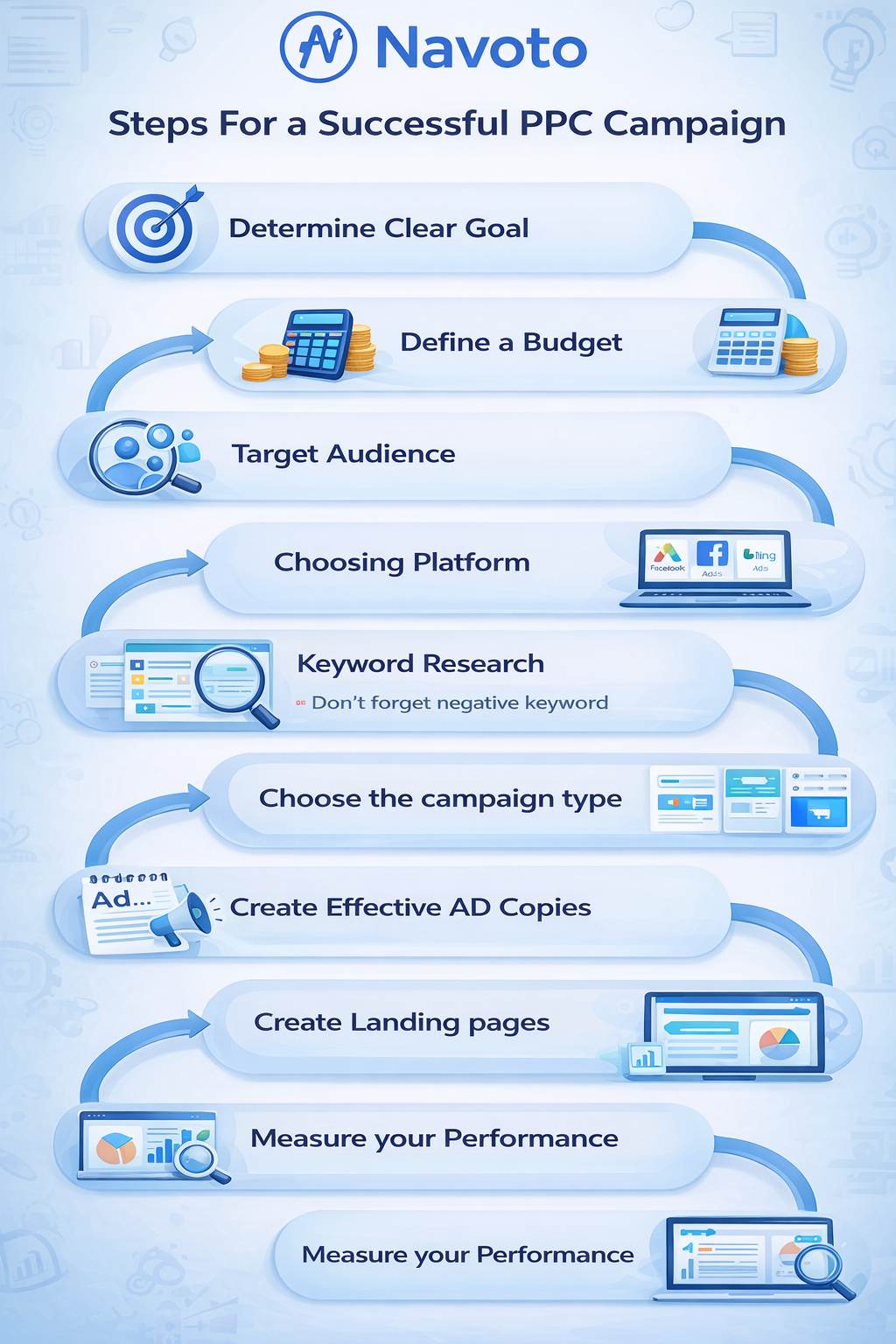
Follow these steps to A/B test Google Ads correctly:
Step 1: Define a Clear Hypothesis
Example:
“Changing the headline to highlight free shipping will increase CTR by 10%.”
A clear hypothesis keeps your test focused and measurable.
Step 2: Choose One Variable
Change only one element at a time.
Multiple changes make results unreliable.
Step 3: Create the Experiment
Use Google Ads Experiments or duplicate the campaign manually (advanced users only).
Step 4: Split Traffic Evenly
A 50/50 traffic split is recommended for most tests.
Step 5: Run the Test Long Enough
Most tests should run for 2–4 weeks, depending on traffic and conversion volume.
Step 6: Analyze the Results
Evaluate performance using your primary goal metric (CPA, conversions, or ROAS).
How Long Should an A/B Test Run in Google Ads?
An A/B test in Google Ads should run for 14 to 30 days, depending on traffic volume and conversion frequency. Tests should continue until enough data is collected to reach statistical confidence and avoid misleading conclusions caused by short-term fluctuations.
How to Evaluate A/B Test Results in Google Ads
A winning test should show:
- Consistent performance improvement
- Enough data volume
- Alignment with business goals
Key Metrics to Track
| Metric | Why It Matters |
| CTR | Measures relevance and engagement |
| Conversion Rate | Indicates landing page effectiveness |
| CPA | Shows cost efficiency |
| ROAS | Measures profitability |
| Impression Share | Reveals delivery limitations |
Tables like this often appear in featured snippets.
FAQ
How Much Budget Should I Allocate for A/B Testing Google Ads?
Most advertisers should allocate 10% to 30% of their Google Ads budget for A/B testing. This allows meaningful learning without putting overall performance at risk.
Should I A/B Test Successful Google Ads Campaigns?
Yes. Even successful campaigns can improve. Continuous testing helps adapt to market changes, competition, and user behavior shifts.
How Often Should You A/B Test Google Ads?
A/B testing should be ongoing. High-performing advertisers treat testing as a continuous optimization process, not a one-time activity.
What If I Don’t Trust My A/B Test Results?
If results feel unreliable:
- Extend the test duration
- Increase traffic allocation
- Re-run the experiment
- Validate results with secondary metrics
Conclusion
A/B testing Google Ads is not about chasing quick wins — it’s about building sustainable, scalable performance. When done correctly, split testing reduces wasted spend, improves efficiency, and provides clarity on what truly drives results.
If you want consistent growth and better ROI from Google Ads, A/B testing is not optional — it’s essential.